 PІҐІ (PIGI)
Your medicines. Your schedule.
PІҐІ (PIGI) — Pill Reminder for iPhone
PІҐІ (PIGI) is a simple pill and medication reminder app for iPhone. Set your schedule, mark doses as taken or snooze them, and keep track of your remaining medicine.
Get PIGI on the App StoreFor iPhone with iOS 17 or later. Free features, optional one-time tips, no subscription.
A focused medication tracker
PІҐІ is also listed as PIGI on the App Store. Both names refer to the same app, provided by Anna Stakhiv.
Keep your daily medication routine in one place, with no PIGI account required.
The essentials for your medication schedule
- Reminders on your schedule. Add medicine names, doses, times and days.
- Taken or snooze. Mark a dose as taken, or snooze in the app for 1, 2 or 3 hours.
- Remaining medication. Enter your package quantity and stock count. PIGI updates the remaining amount when you mark a dose as taken.
- Home Screen and Lock Screen widgets. See upcoming medication; tap the widget to open PIGI.
- Profiles on one iPhone. Keep separate medicine lists for yourself and family members on the same device.
- Optional medicine-name hiding. Mask names in main lists, notifications and widgets. Actual names remain in editing forms and exported reports.
How it works
- Add a medicine, dose and the quantity you have.
- Choose the times and days for reminders.
- Allow notifications to receive reminders on your iPhone.
- Mark the dose as taken, or open PIGI to snooze it.
- Check your remaining stock and update it when you replenish your medicine.
Reminder delivery and widget updates depend on iOS, notification permissions and Focus settings. Open PIGI before the “Renew reminders by” date shown in settings to refresh its schedule. Get reminder help.
A look inside PIGI
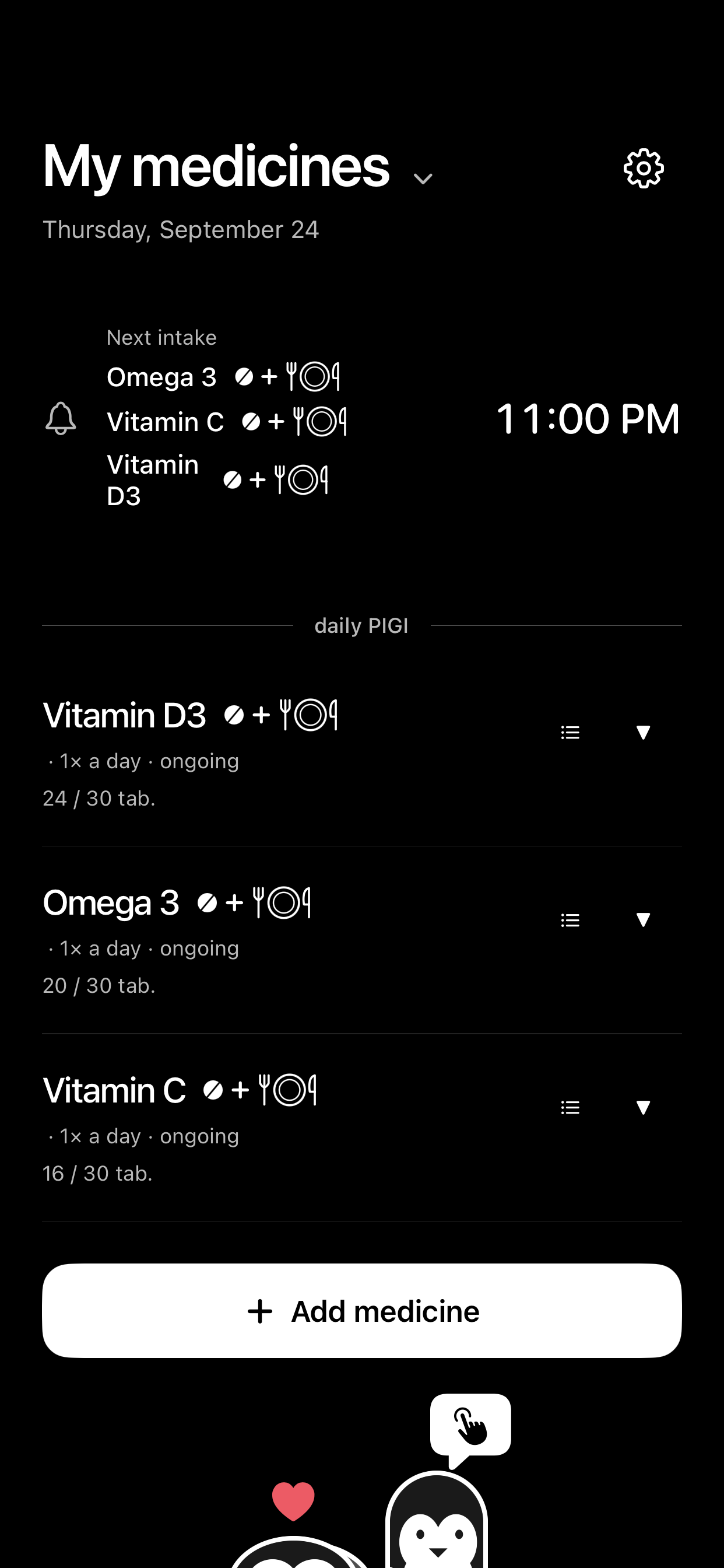
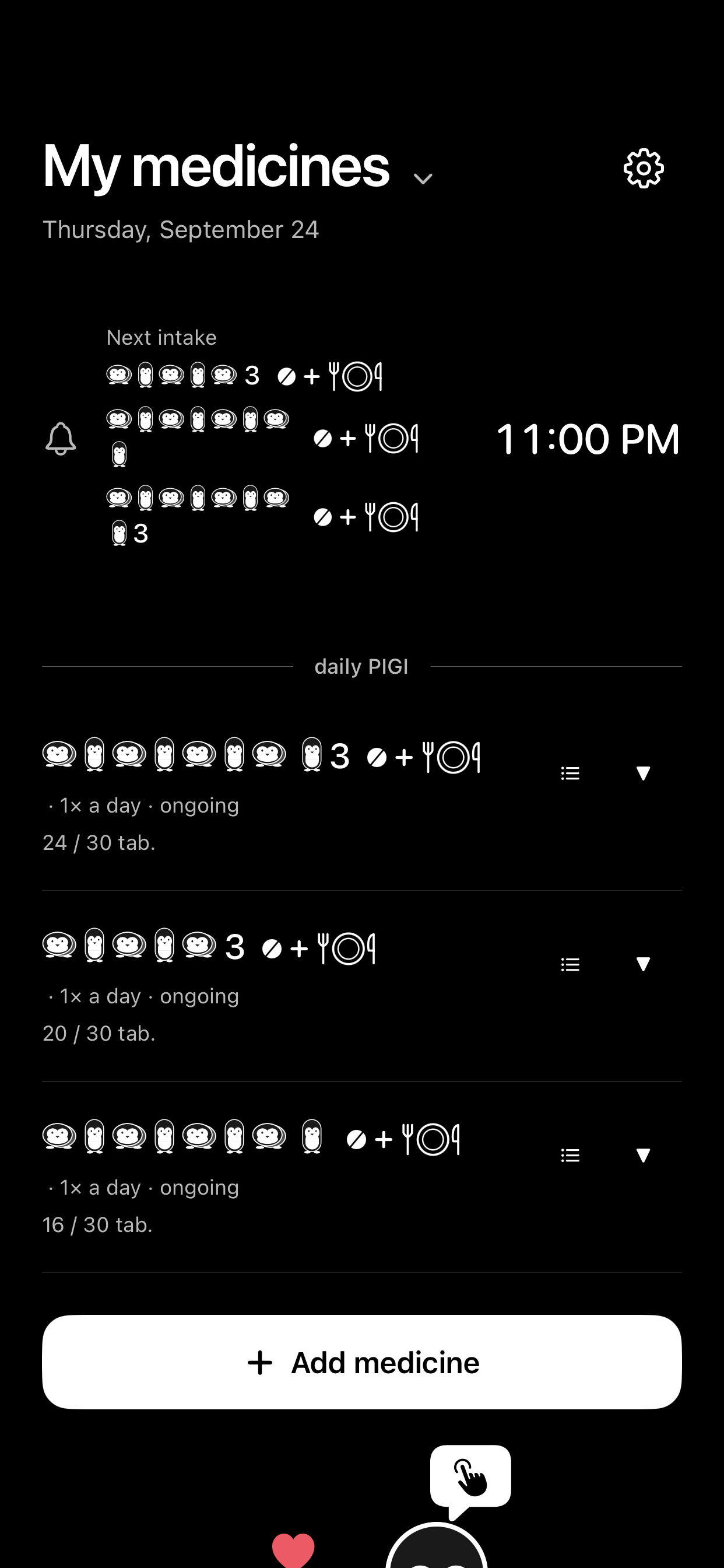
Official app screenshots with illustrative entries. The example medicines and doses are not treatment recommendations.
Questions about PIGI
Does PIGI send refill reminders?
PIGI tracks remaining medication based on your stock entries and doses marked as taken. It does not send a separate refill notification.
Can I snooze for 30 minutes?
The current in-app snooze choices are 1, 2 and 3 hours. There is no 30-minute option in the interface.
Can I use it for a family member?
Yes, you can manage separate local profiles on one iPhone. PIGI does not synchronize profiles between devices or tell you remotely whether another person has taken their medicine.
Do I need an account or an internet connection?
No PIGI account is needed. Medicine records are stored on your device, and core records and scheduled reminders work offline. Downloading the app, optional Apple purchases and sending support email require an internet connection. There is no PIGI cloud synchronization.
What does hiding medicine names do?
It masks names in main lists, notifications and widgets. It does not hide names in editing forms or reports, and is not a separate lock or access-control feature. Read the privacy policy for details.
Does PIGI give medical advice?
PIGI organizes the schedule you enter. It does not diagnose conditions, recommend treatment, check doses or check medicine interactions.
Keep your next reminder close
Get the official PIGI iPhone app by Anna Stakhiv.
Get PIGI on the App StoreNeed help? Visit support or read the privacy policy.